Reward students with points.
A points board for your classroom. Give a point with one tap, take one back the same way, and let students redeem when they have saved up for a reward you set.
Sign in with Google. Nothing to install.
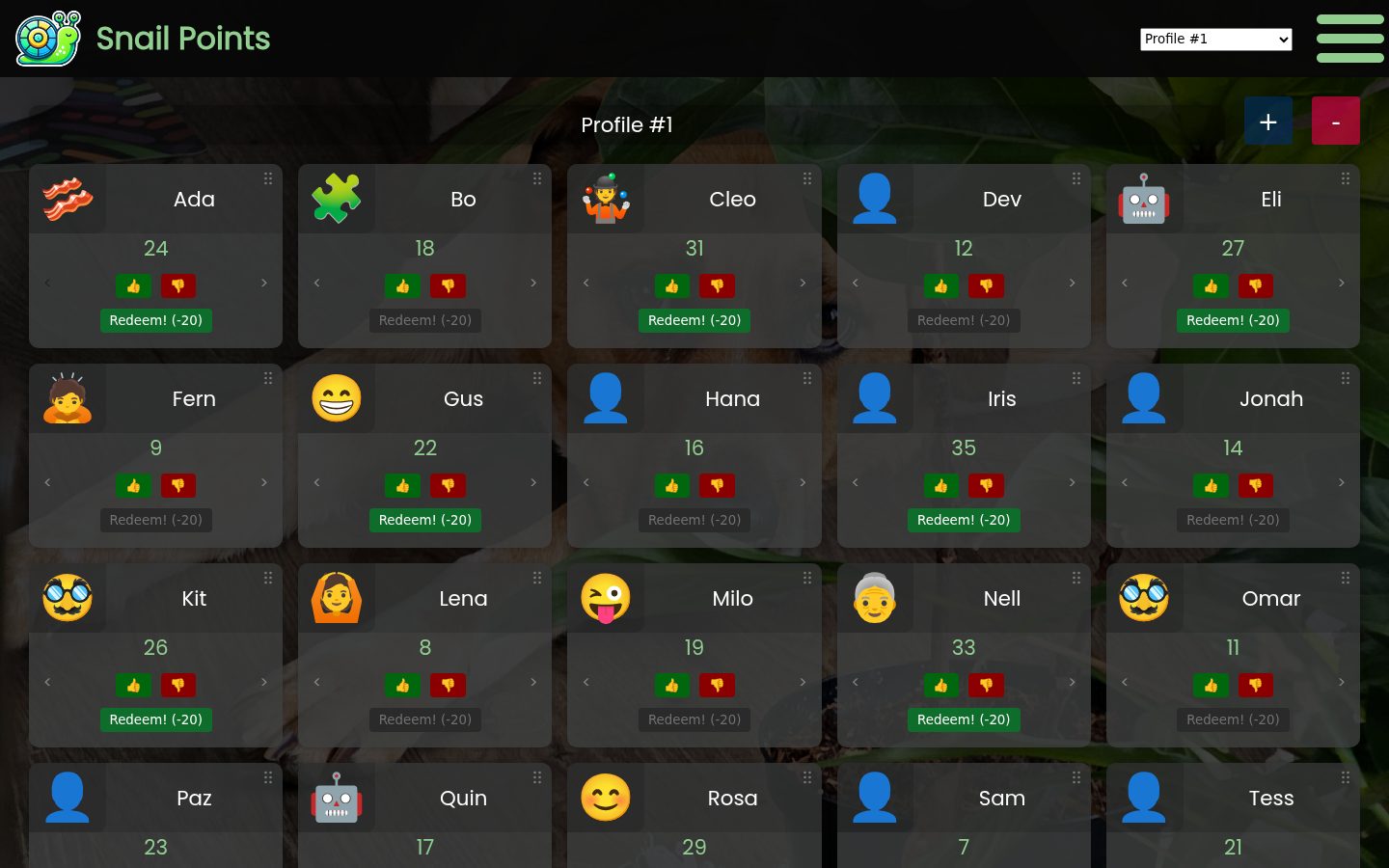
Every student gets their own points
Each student gets a name, an emoji, and a point total. The up arrow adds a point and the down arrow takes one back. Drag a student's block by the grip in its corner to rearrange. Keep a profile for each class. The + button above the board adds another student.
Set what a reward costs
Pick a number in the menu. Redeeming takes that many points off the card, and the button stays grey until the card has enough. There is a switch for allowing negative points if you track debt. The cost is one number for the whole account, so every card redeems at the same rate.
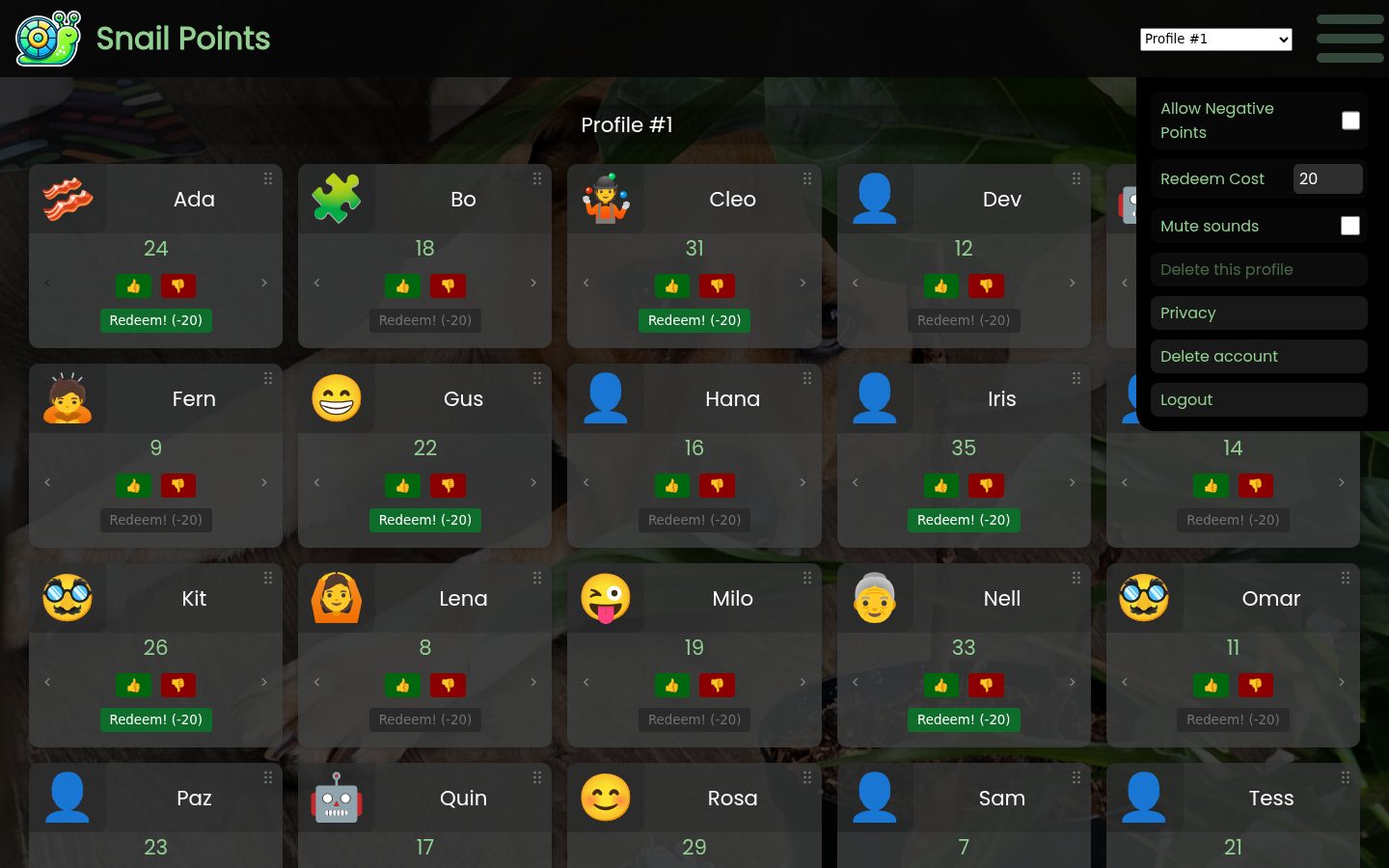
What it stores
Your profiles, the name and emoji on each student, point totals, and your settings. Student and profile names are encrypted before they are saved and the privacy page lists everything else. First name only is safer than full names. Check with your district before using this. Delete account in the menu removes your data. Only the account that owns a board can open it, it is private, never shared, and never sold.